Reporter can read branch names and pipeline details even when the Repository option is disabled in the project via GET /api/v4/projects/{id}/packages
When the Repository feature is disabled in a GitLab project, a user with the Reporter role can still read branch names and pipeline details through the packages API endpoint. An attacker with Reporter access could obtain this information despite the intended restriction.

GitLab
Originally disclosed on GitLab
- Fixed in 5 months
- Disclosed after 5 months
⚠️ Please read the process on how to fix security issues before starting to work on the issue. Vulnerabilities must be fixed in a security mirror.
HackerOne report #3183740 by iamgk808 on 2025-06-09, assigned to @katwu:
Report | Attachments | How To Reproduce
Report
Summary
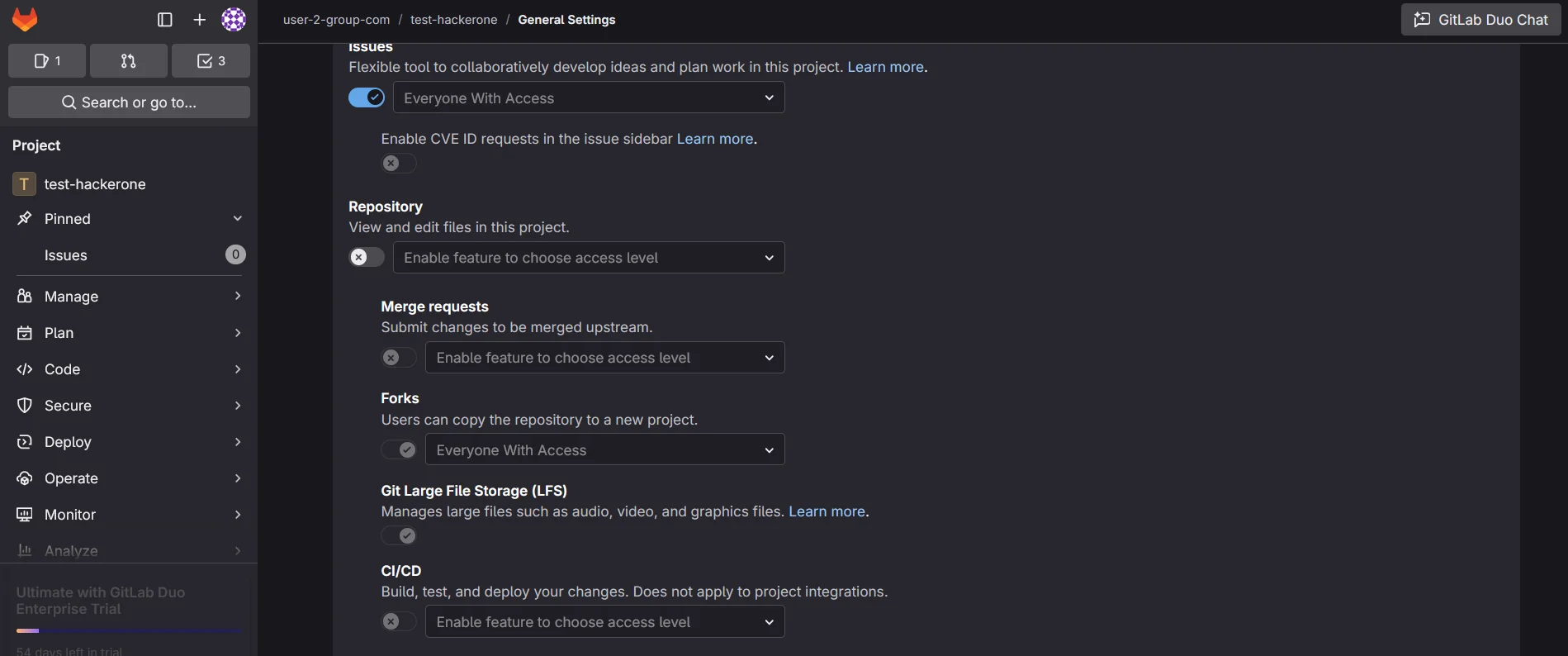
Once the Repository option is disabled in a project, no one can view the project code, branches, merge requests, or CI/CD details. However, I found a way where an attacker can still read branch names and pipeline details even when the Repository option is disabled
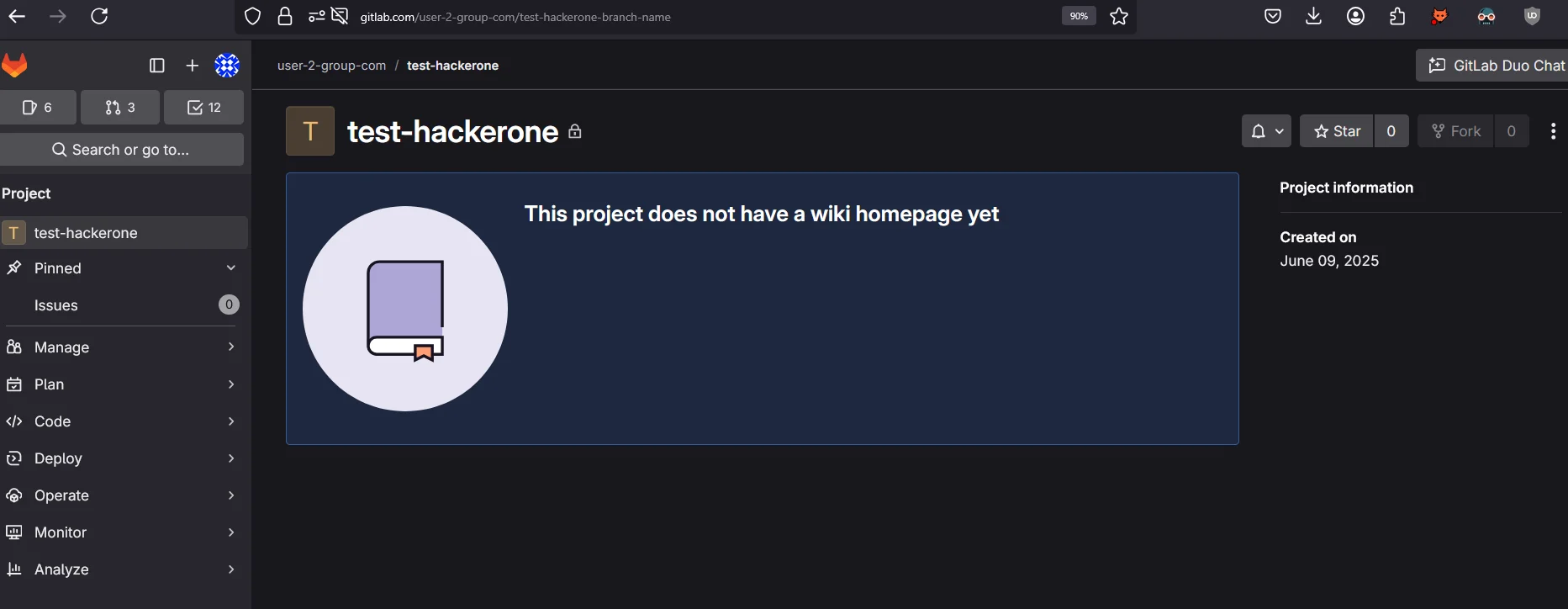
Steps to reproduce
two users - victim, attacker
Victim steps:
- Create a new group called
hackerone& apply GitLab Ultimate trial to it - In the group, create a private project called
project-1 - In
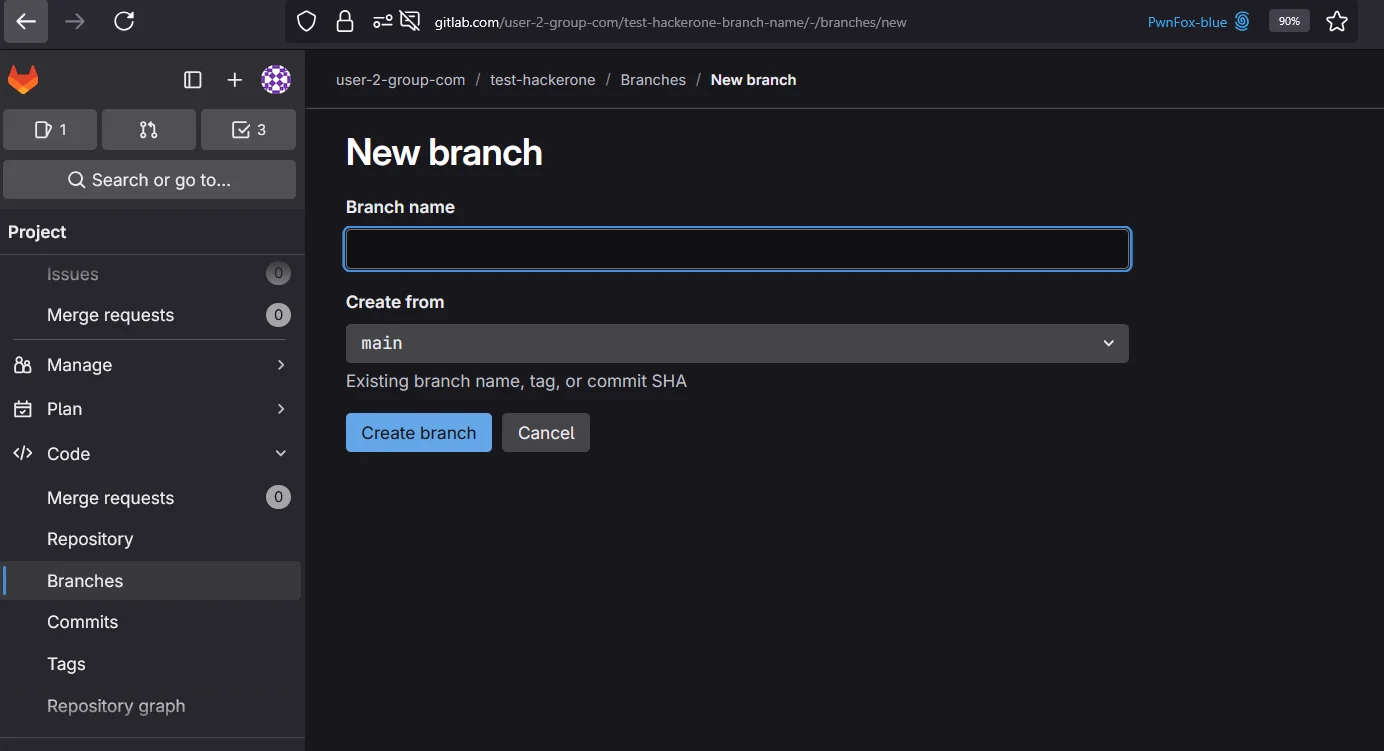
project-1, create a new branch calledfix-bug-report
- In the
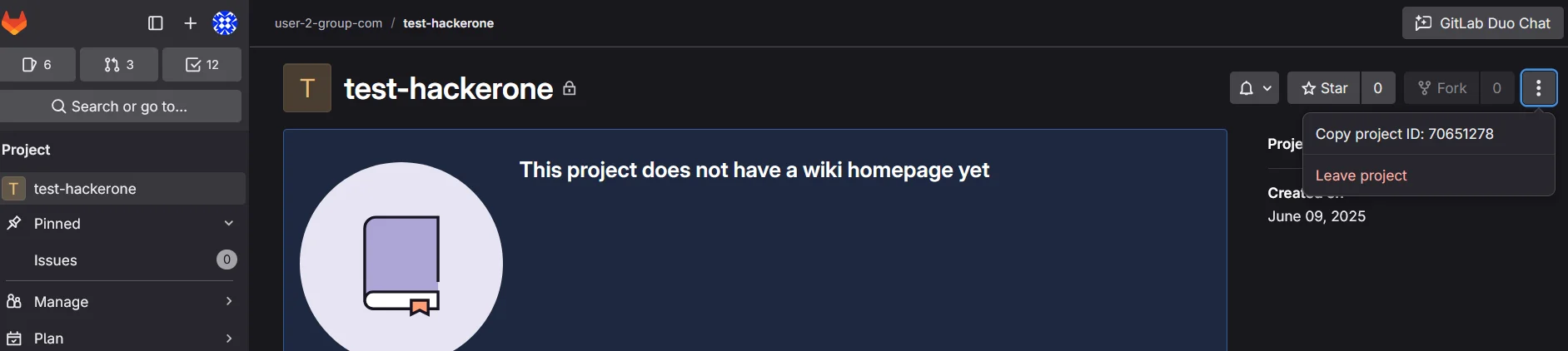
fix-bug-reportbranch, create a file calledpackage.jsonand add the following content, ==also replace70651278with your project ID==
{
  "name": "my-package",
  "version": "1.0.0",
  "publishConfig": {
    "registry": "https://gitlab.com/api/v4/projects/70651278/packages/npm/"
  }
}
- Create another file called
.gitlab-ci.yml
image: node:20

stages:
  - publish

variables:
  NODE_AUTH_TOKEN: "${CI_JOB_TOKEN}"

before_script:
  - npm install

publish:
  stage: publish
  script:
    - echo "//gitlab.com/api/v4/projects/${CI_PROJECT_ID}/packages/npm/:_authToken=${NODE_AUTH_TOKEN}" > .npmrc
    - npm publish
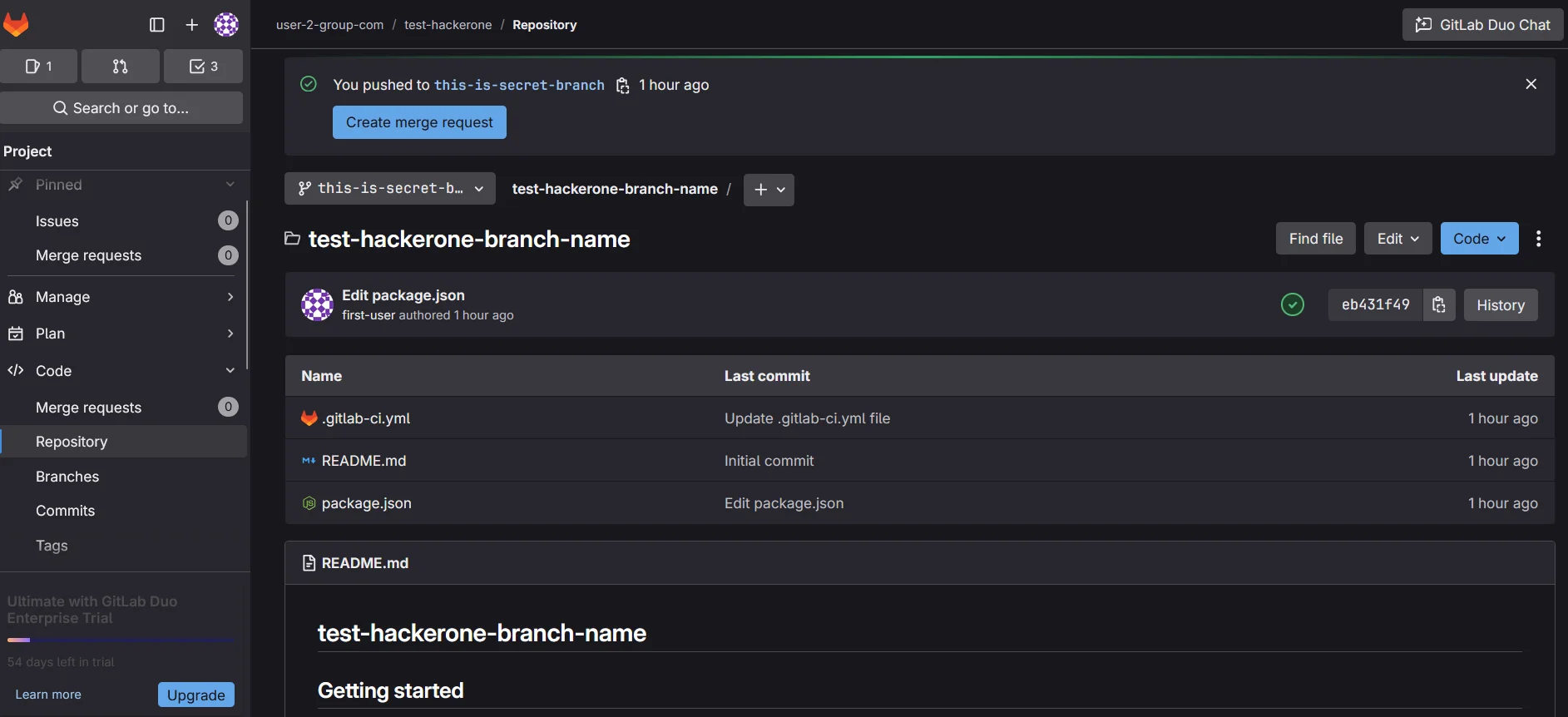
- A pipeline will run & create a package in
deploy>Package registry& you can see the branch name & commit details
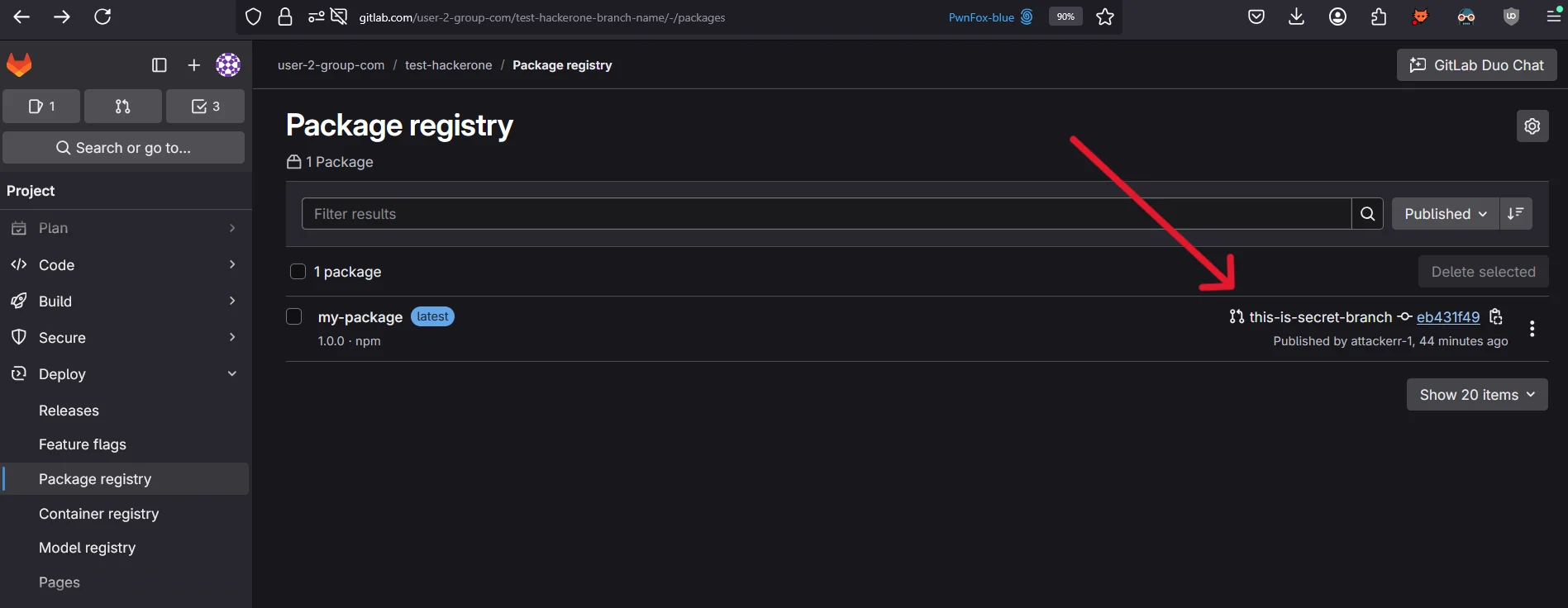
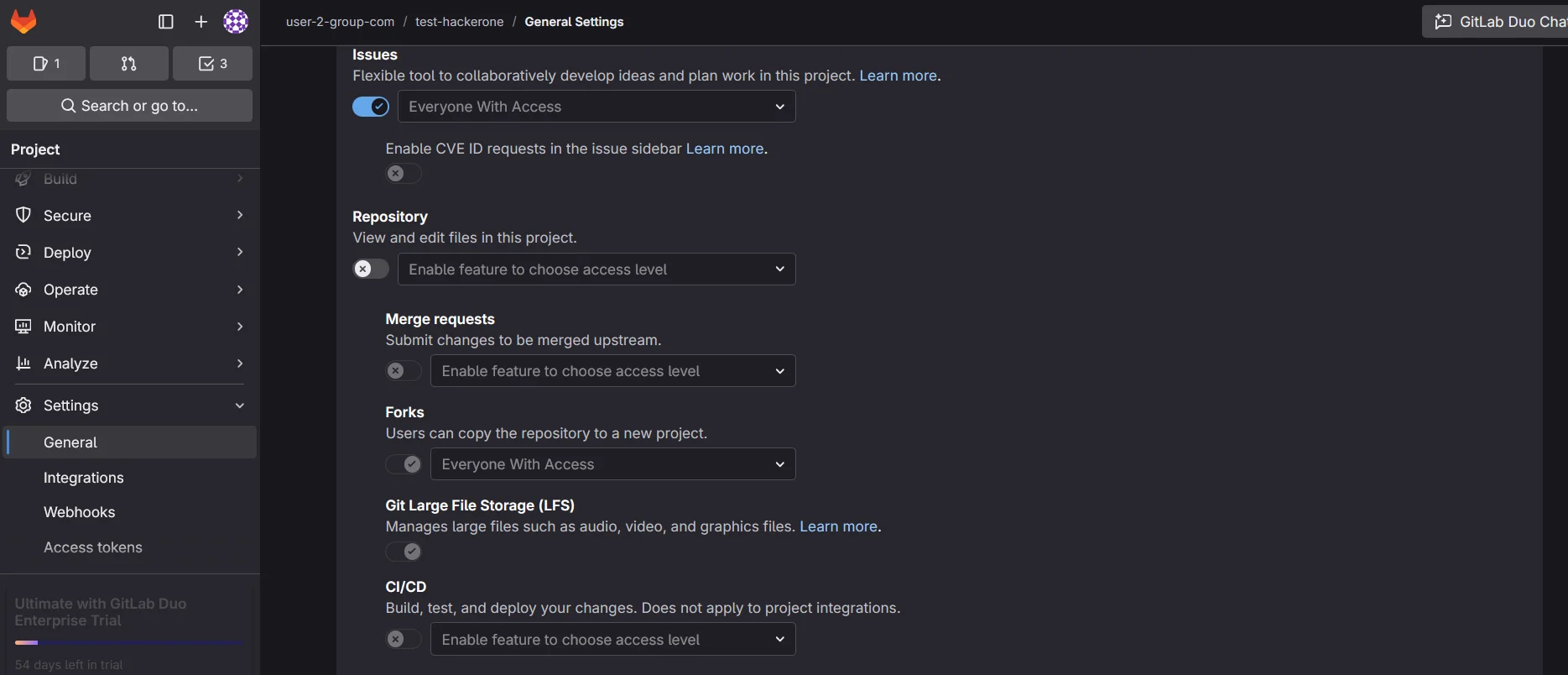
- Then go to
settings>project permissions& turn off theRepositoryoption & save it
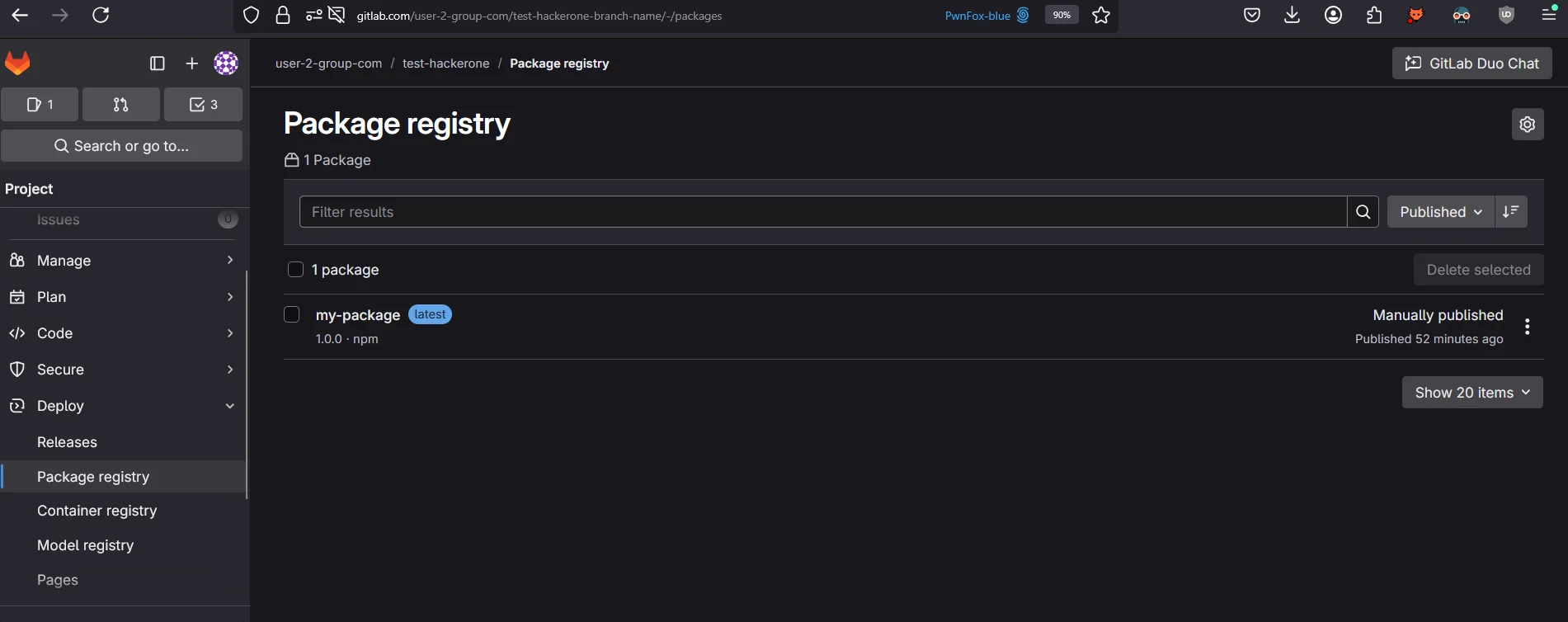
- In
deploy>Package registry, as you can see, the branch name & commit details are hidden
- Now go to the
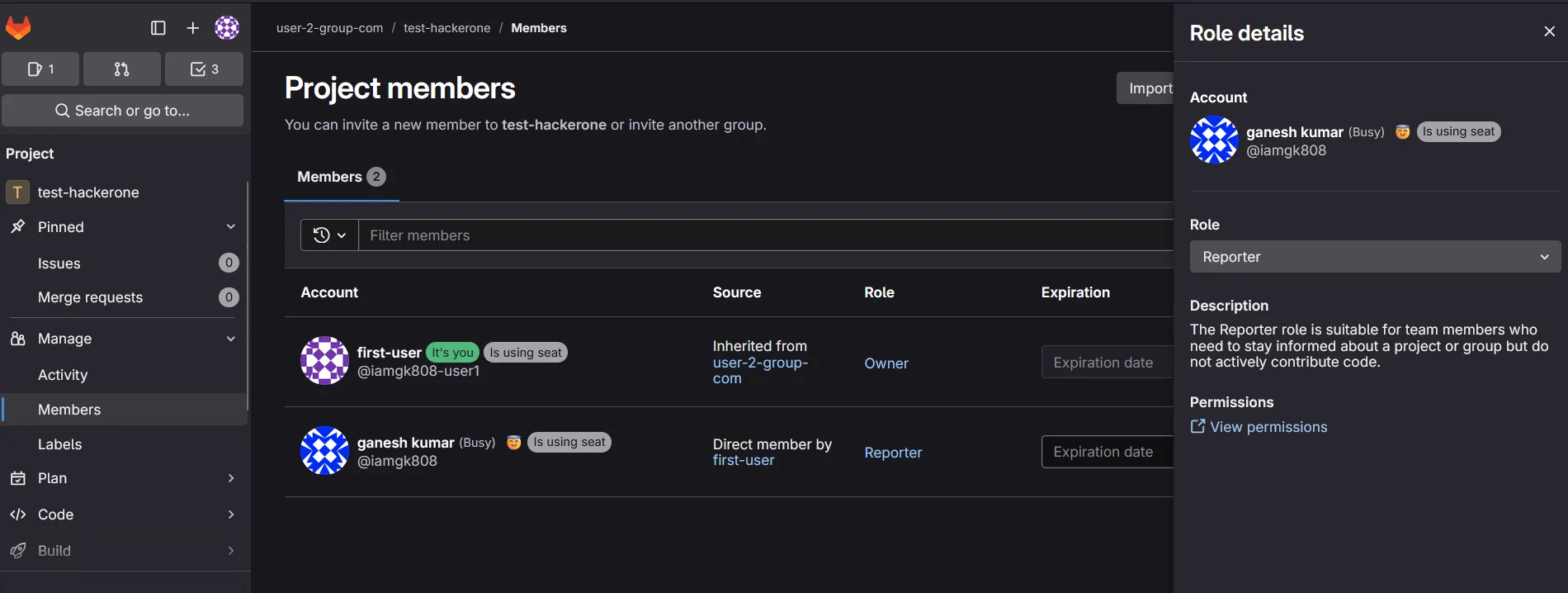
project-1>memberssection & invite theattackeruser with thereporterrole
Attacker steps:
- go to
project-1& note the project id
- In this URL, change the
70651278- with your project ID
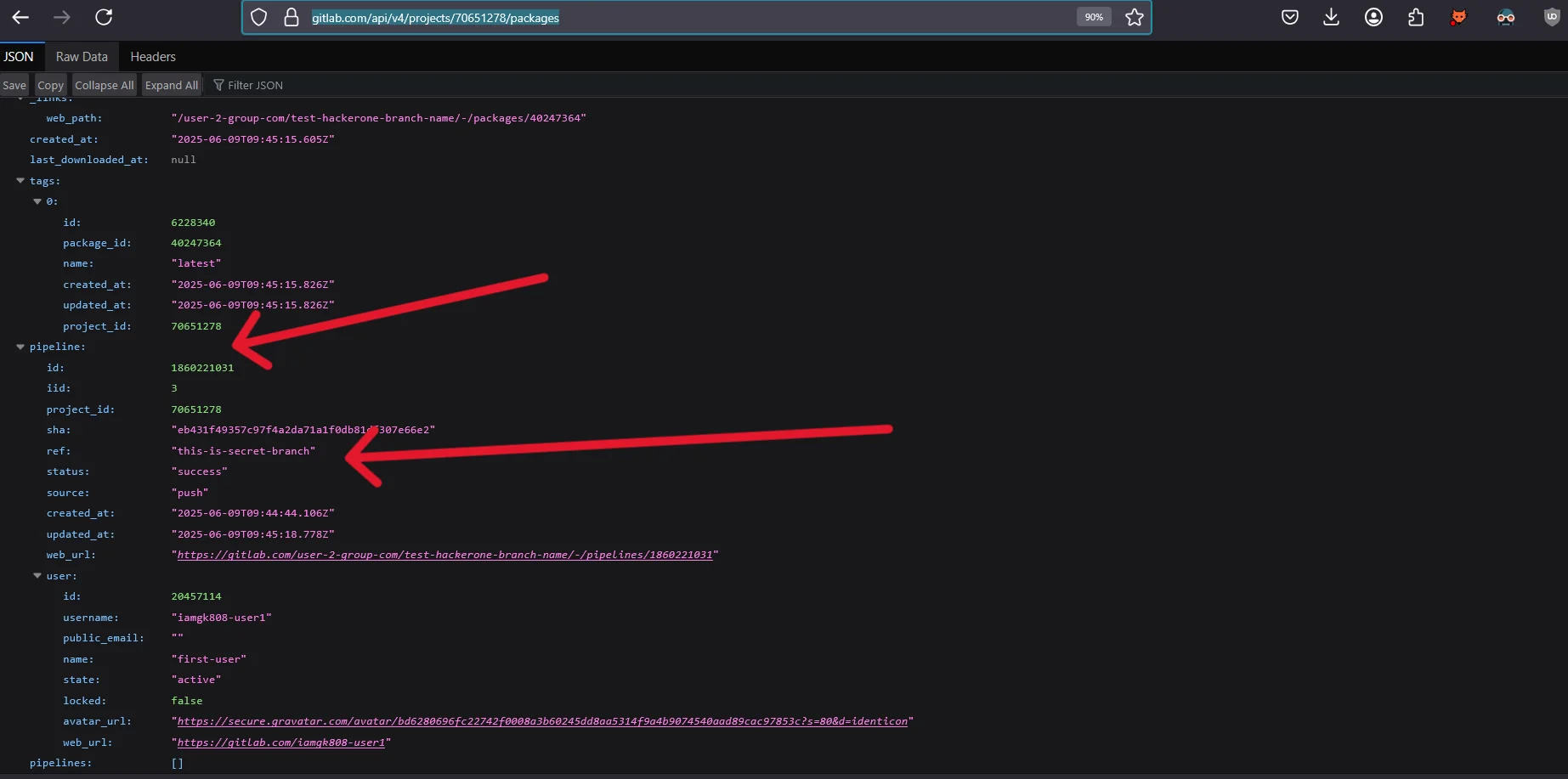
https://gitlab.com/api/v4/projects/70651278/packages
- The attacker can see the branch names and pipeline details
Impact
An attacker can read branch names and pipeline details even when the Repository option is disabled in the project
Examples
What is the current bug behavior?
An attacker can read branch names and pipeline details even when the Repository option is disabled in the project
What is the expected correct behavior?
No one should be able to read the Repository contents
Relevant logs and/or screenshots
Output of checks
Impact
An attacker can read branch names and pipeline details even when the Repository option is disabled in the project
Attachments
Warning: Attachments received through HackerOne, please exercise caution!
How To Reproduce
Please add reproducibility information to this section:
Not written yet. The AI write-up for this report has not been written yet. The Original tab links to the source.
How it worked
Root cause
Likely the packages API endpoint does not enforce the Repository feature visibility setting, allowing users with Reporter role to access branch and pipeline metadata.
What the attacker needed
Victim has a project with Repository disabled; Attacker has Reporter role in the project; Attacker knows the project ID
How it was found
- Victim creates a group and a private project, then creates a branch and adds package.json and .gitlab-ci.yml files to publish a package.
- Victim runs the pipeline to create a package, then disables the Repository option in project permissions.
- Victim invites the attacker as a Reporter.
- Attacker notes the project ID and accesses the packages API endpoint.
- Attacker sees branch names and pipeline details.
Explained by bugbounty.wiki with AI from the original and checked against quotes from it; it can still be wrong. Read the original before relying on a detail.
Not written yet. The AI write-up for this report has not been written yet. The Original tab links to the source.
In GitLab, a project can be set to hide its code and related details from most users. However, a user with a low-level 'Reporter' role could still see some of that hidden information by using a different part of the system that was not properly restricted. This means the protection was incomplete.
What is Access control?
A user can do something their role should not allow: reach an admin function, act on a feature they have not paid for, or skip a permission check. IDOR is the special case where the object belongs to someone else.

