Stored XSS in Headline TextControl element in Express forms [ concrete5 8.1.0 ]
The Headline field of a TextControl Express form element was rendered without sanitisation, so an administrator could store JavaScript that executes for any visitor of the page containing the form. This allows a client-side attack against users who view the Contact page.

- Triaged in 21 days
- Fixed in 24 days
- Disclosed after 55 days
Intro
Luke, I am your Crayons!
Type of issue: Core CMS issue Level of severity: Internal Attack Vector Concrete5 version: 8.1.0
Summary
There is Stored XSS vulnerability in Headline element of TextControl Express element. This vulnerability allows malicious user to embed JavaScript code and execute it in the website. Sample concrete5 installation contains Contact page, where contact form is present. I present PoC of this vulnerability on this page.
Steps to reproduce
Injection
- login into concrete5 instance
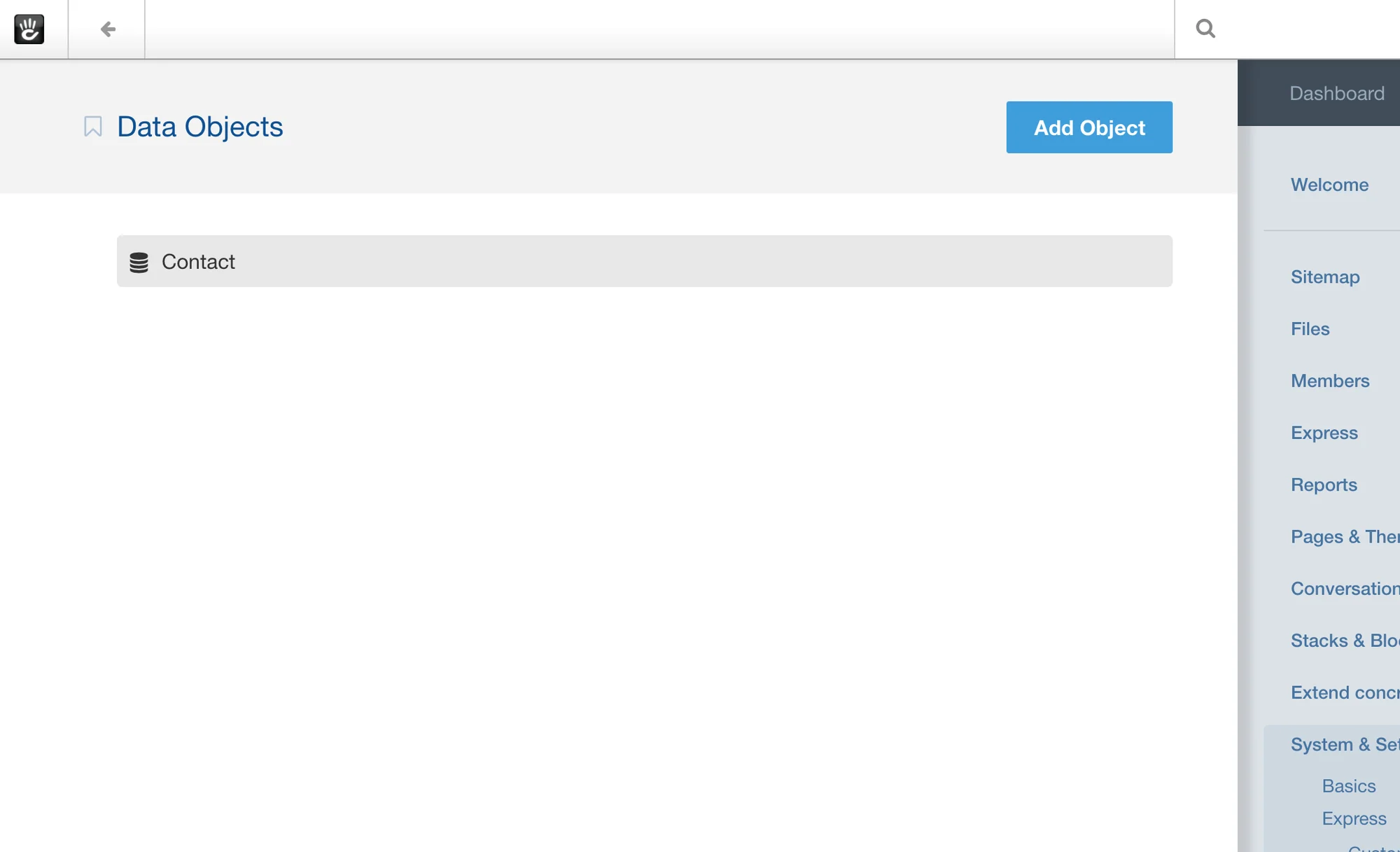
- go to index.php/dashboard/system/express/entities, then select Contact form
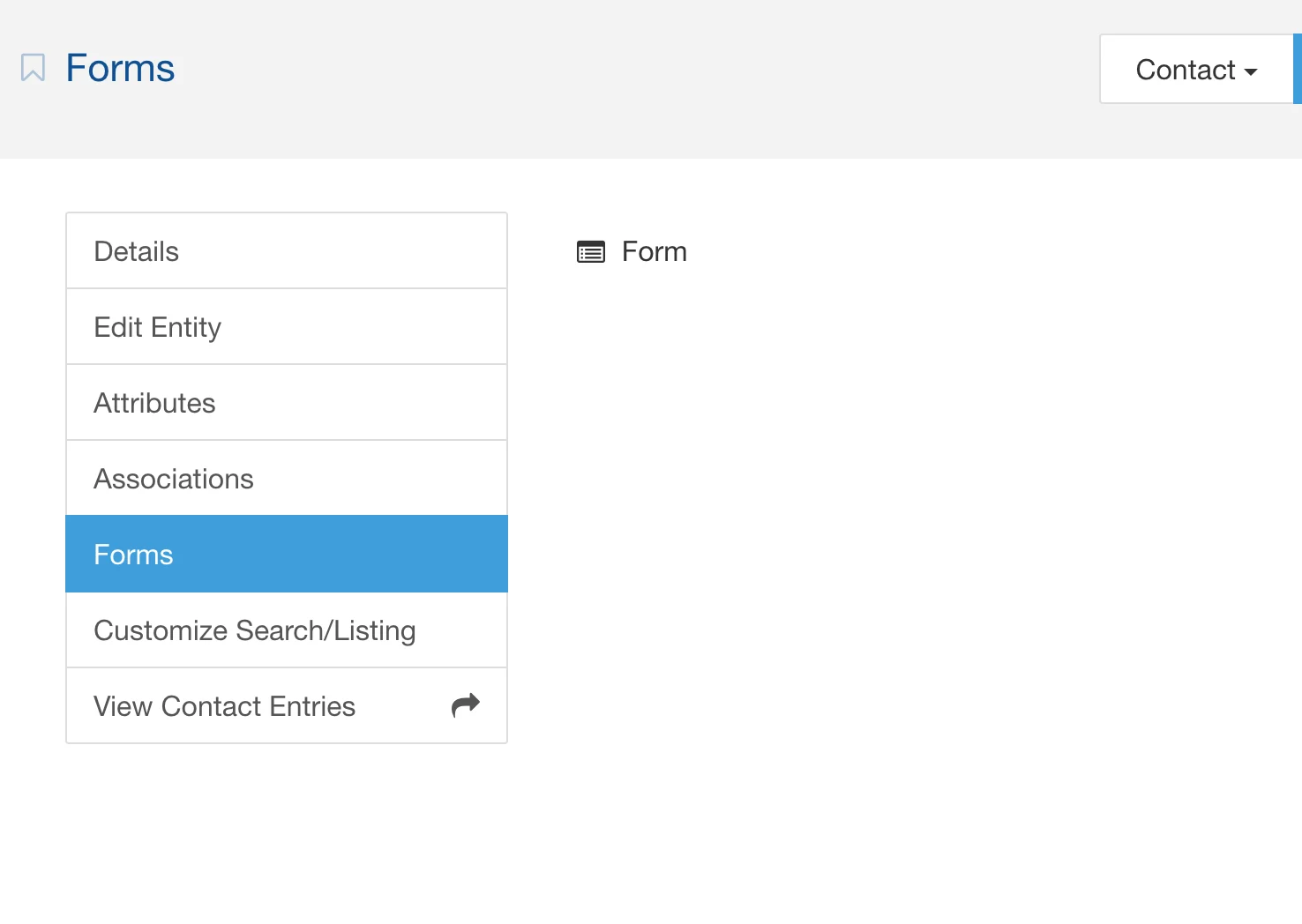
- select Forms, then Form from the left
- in (Text) Core Property click Edit (a pen) icon
- in dialog popup, enter following payload in Headline text input:
<p>These are not the payloads you're looking for... </p><script>console.error('Stored XSS, browser:', navigator.appVersion)</script>
- save changes
Execution
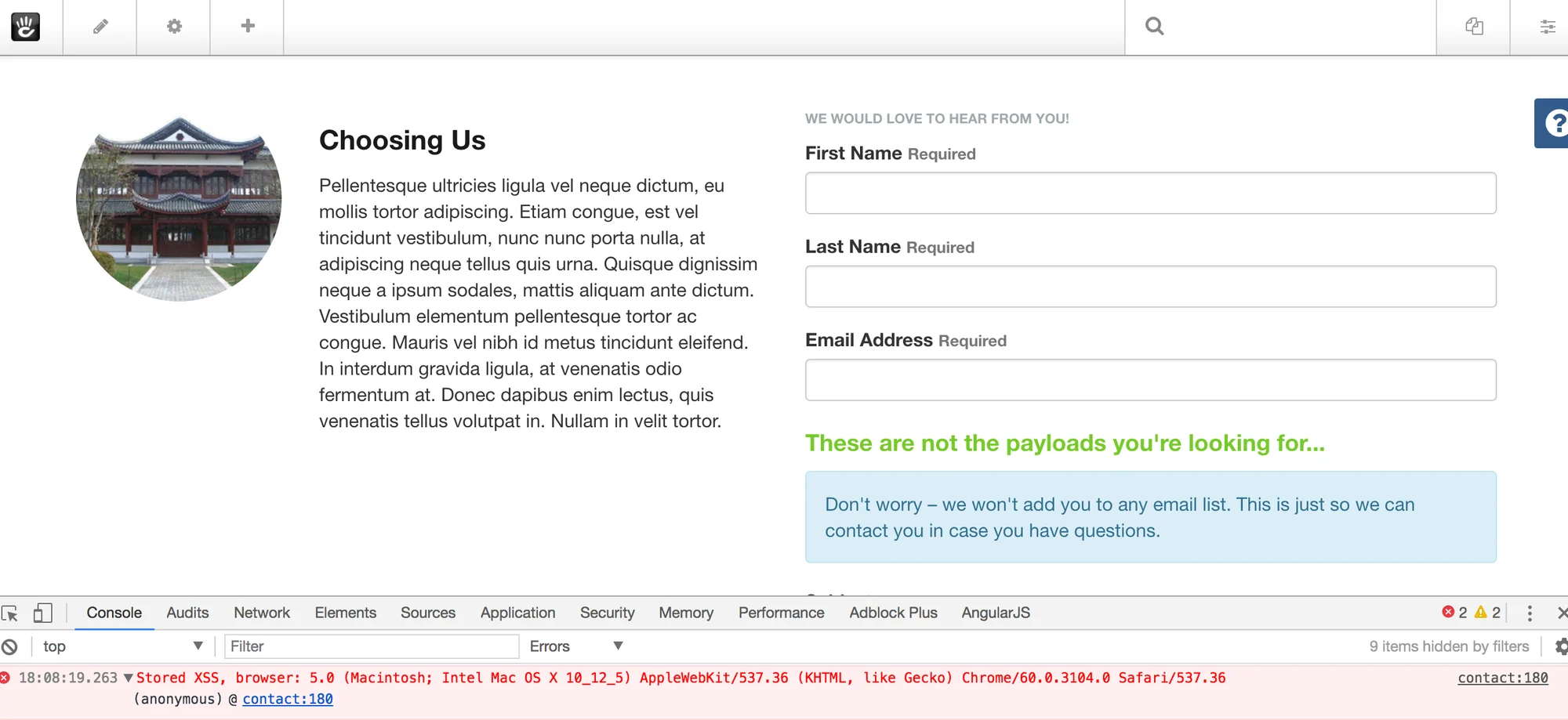
Go to website and visit Contact page. JavaScript payload is executed without any user interaction. WebKit/Blink-based browsers XSS Auditor is not able to detect and prevents this attack (in general, XSS Auditor fails against Stored XSS)
Technical details
Vulnerability exists, because GetControlLabel() method from TextControl class returns Headline value without any sanitization (line 75, concrete/src/Entity/Express/Control/TextControl.php):
public function getControlLabel()
    {
        if ($this->getHeadline()) {
            $label = $this->getHeadline();              // line 75
        } else if ($this->getBody()) {
            $text = \Core::make('helper/text');
            $label = $text->sanitize($this->getBody(), 32);
        }

        $label .= ' ' . t('(Text)');
        return $label;
    }
Impact
This vulnerability gives malicious user a possibility to inject JavaScript and executes client side attack against any user which visits Contact page (or any other page where form with TextControl element is present).
Internal Attack Vector - A bug that requires someone already have some type of administrative access to the CMS. This might just change the experience of the CMS, or be part of a more complicated attack that might hypothetically gain more access than they should have. These are considered important to clean up over time.
Testing environment
System:
- Concrete5 version 8.1.0, installed localy
- PHP ver. 5.6.30
- Apache HTTP Server 2.4.25 for macOS
- MySQL ver. 5.7.13 for macOS
This vulnerability was tested on macOS Sierra 10.12.5 with following browsers:
- Chrome 58
- Chromium build 60.0.3104.0
- Safari 10.1.1
Wrap up
I hope my report will help keep Concrete5 safe in the future.
Best Regards,
Rafal 'bl4de' Janicki
Not written yet. The AI write-up for this report has not been written yet. The Original tab links to the source.
How it worked
Root cause
The getControlLabel() method returns the stored Headline value directly without sanitisation, unlike the Body value which is passed through a sanitiser.
Impact
An attacker with administrative access could run script in the browser of any user who visits the Contact page or any other page showing a form with a TextControl element; the report notes that WebKit/Blink XSS Auditor did not block it.
What the attacker needed
Administrative access to the CMS; victim visits a page with the affected form
The fix
The Headline value is returned unsanitised by getControlLabel(), unlike the Body value.
How it was found
- Log in to the concrete5 instance.
- Open the Express entities dashboard and select the Contact form.
- Open the Forms section and edit the (Text) Core Property.
- Enter HTML containing a script tag in the Headline input and save.
- Visit the Contact page on the website; the script runs without user interaction.
Explained by bugbounty.wiki with AI from the original and checked against quotes from it; it can still be wrong. Read the original before relying on a detail.
Not written yet. The AI write-up for this report has not been written yet. The Original tab links to the source.
A form builder lets an admin set a headline shown above a form. The CMS saved that headline and later printed it into the page without cleaning it, so any HTML or script typed there became part of the page. When another person opened the page, their browser ran that script as if the site itself had sent it.
What is XSS?
Script an attacker supplies runs in another user's browser, on the target's origin, with that user's session.




