Improper access control for users with expired password, giving the user full access through API and Git
Users with an expired password could still access the full API and Git repositories using personal access tokens, despite a previous fix that blocked such access. An attacker with a token could read private projects even after the account's password was expired.

- Triaged in 10 days
- Fixed in 2 months
- Paid in 2 months
- Disclosed after 6 months
Summary
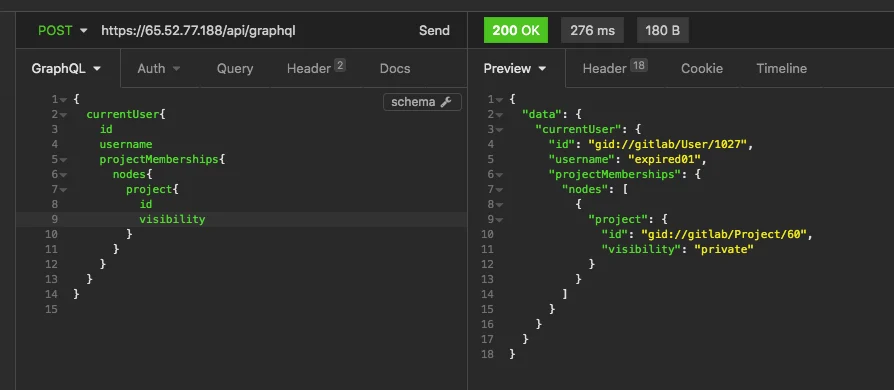
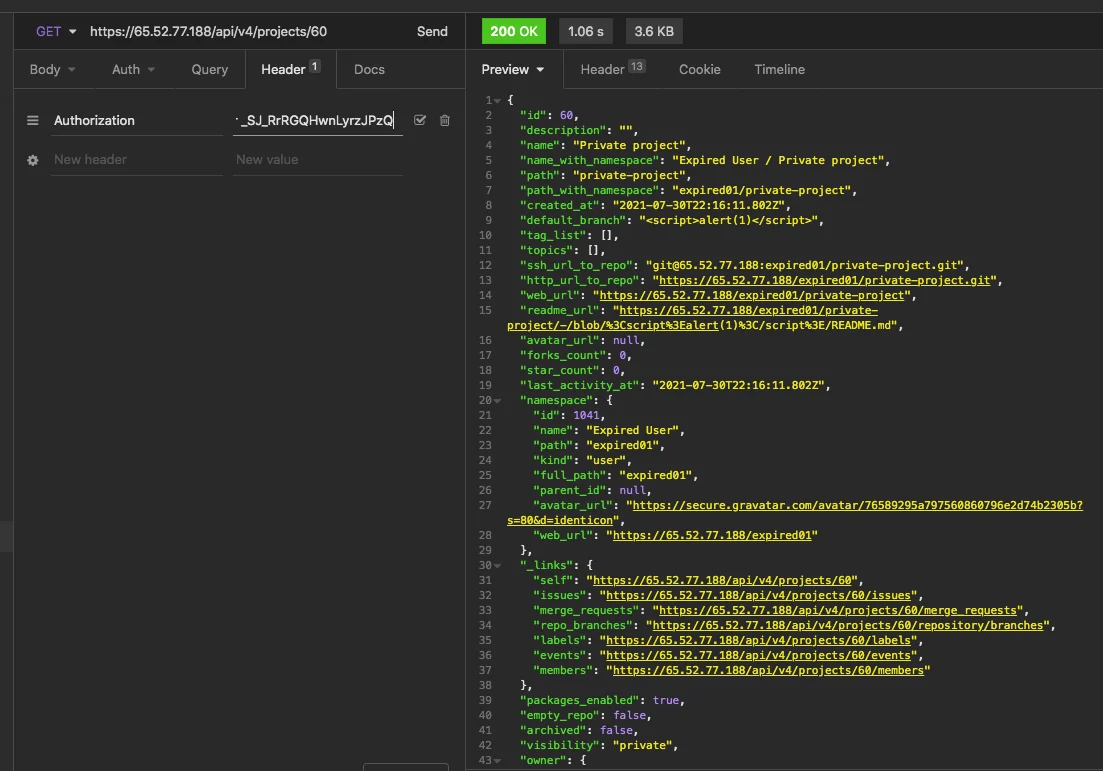
Users with an "expired password" can still access the full API with tokens. This includes the REST API, GraphQL API and Git HTTP access. The same issue was mitigated in 13.12.2 as "Insufficient Expired Password Validation". That patch blocked users with expired passwords from accessing the REST API. My report 1192460 led to a patch 14.0.2 that also blocked access through GraphQL.
It seems that these patches caused some problem for users accessing GitLab instances using LDAP. And a merge request trying to address this problem got merged in one of the latests releases. Unfortenetly this new "fix for LDAP" also seems to have opened up access for regular user accounts with expired passwords again.
Images showing access through REST, GraphQL and Git with a account with expired password:

Steps to reproduce
(tested on 14.1.0 self-hosted)
- Create a user user01, and log in
- Create a new project at https://gitlab.domain.com/projects/new#blank_project make sure to put it as
private. Take a note of the ID of the project - Go to https://gitlab.domain.com/-/profile/personal_access_tokens and create a personal access token
- Log in as an administrator
- Go to the admin page for editing the user https://gitlab.domain.com/admin/users/user01/edit and change the users password. This triggers
password expired atto be set to the current time. Effectively putting the user01 in the state of "expired password"" - Trying to log in as user01 with old password will now fail, using the new password will trigger "enter a new password" page. Do not enter a new password here as this will put the user in a unexpired state again
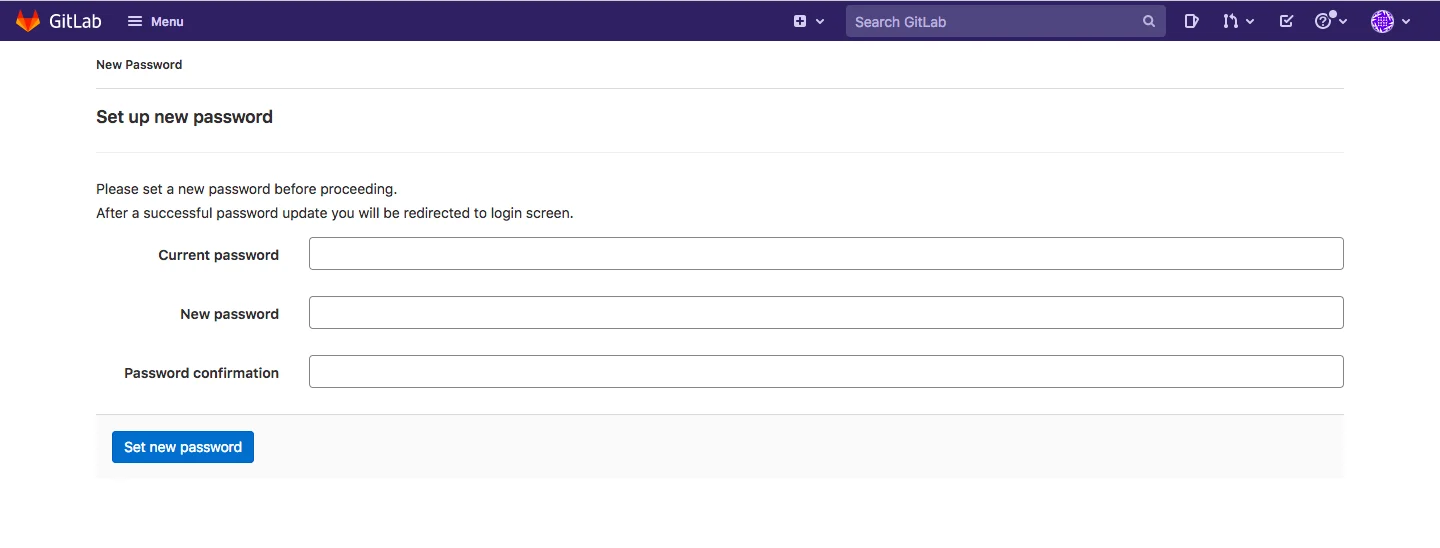
- Now instead try to use the user01 token from step 2 in a REST request such as
curl --request GET \
  --url https://gitlab.domain.com/api/v4/projects/:ID \
  --header 'Authorization: Bearer <TOKEN>' \
This should show the private project that should not be accessible.
Impact
A user that should not have access to the instance as the password has expired can still access the API and Git with tokens.
What is the current bug behavior?
Requests to the API and Git is not blocked for users with expired password
What is the expected correct behavior?
Requests to the API and Git by users with expired password should be blocked and presented with a message like 403 Forbidden - Your password expired. Please access GitLab from a web browser to update your password. as before.
Impact
Users with expired passwords can still access the full API and Git using tokens
Not written yet. The AI write-up for this report has not been written yet. The Original tab links to the source.
How it worked
Root cause
Likely a regression introduced by a merge request intended to fix LDAP-related access issues, which inadvertently removed the expired-password check for API and Git requests.
Impact
A user with an expired password could still access the full API and Git using tokens, potentially reading private projects.
What the attacker needed
A user account; a personal access token; admin changes password to expire it
The fix
The expired-password check should be restored for API and Git requests, returning a 403 error as before.
How it was found
- Create a user and log in.
- Create a private project and note its ID.
- Create a personal access token for that user.
- Log in as an administrator and change the user's password to trigger the expired-password state.
- Attempt to log in as the user with the new password; do not set a new password to keep the expired state.
- Use the token in a REST API request to access the private project.
Explained by bugbounty.wiki with AI from the original and checked against quotes from it; it can still be wrong. Read the original before relying on a detail.
Not written yet. The AI write-up for this report has not been written yet. The Original tab links to the source.
When a password expires, the system should lock the account until a new password is set. Here, the lock was not applied to API and Git access, so someone with a saved token could still get in. A token is like a spare key that works even when the main password is changed.
What is Access control?
A user can do something their role should not allow: reach an admin function, act on a feature they have not paid for, or skip a permission check. IDOR is the special case where the object belongs to someone else.



